Android phone and tablet app
IPTV player for Android phones and tablets
Tuvora Mobile turns a user-supplied playlist into touch-friendly Live TV, Movies and Series libraries on Android phones and tablets.
- Installation
- Google Play open testing or direct APK
- Playlist inputs
- M3U, Xtream Codes, Stalker
- Price
- Free
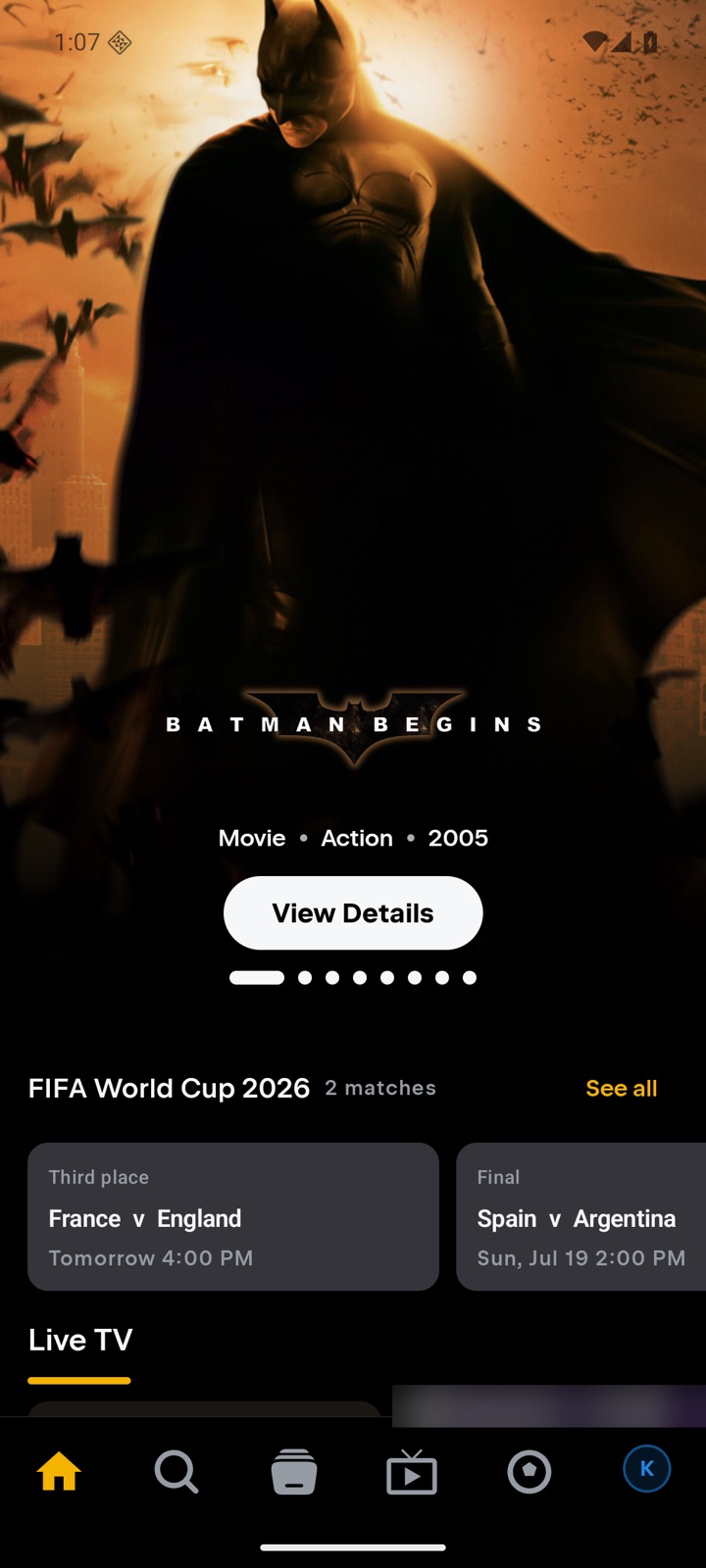
Why use Tuvora on Android phone and tablet?
- Touch-first navigation for phone and tablet screens
- M3U URL and local-file imports alongside Xtream and Stalker
- Profiles, library, history and settings with optional sync
- The same account can be used with Tuvora TV and desktop
Install Tuvora on Android phone and tablet
- Join the tester group and install from Google Play, or download the APK from tuvora.co/apk.
- Open the IPTV tab and tap Add IPTV provider.
- Choose the Source Type — M3U, Xtream Codes or Stalker — enter the details and press Add Playlist.
Every playlist type, on Android phone and tablet
The same build takes all three IPTV login formats. Each has its own page if you want the detail:
M3U player for Android phone and tablet →Xtream Codes player for Android phone and tablet →Stalker player for Android phone and tablet →
Not sure which you were given? Compare M3U, Xtream Codes and Stalker.
Current distribution note
Google Play distribution is currently an open test; testers join the Tuvora testing group before opening the listing.
The current setup guide shows the real installation and playlist screens step by step.
Bring your own playlist
Tuvora is a player. It does not provide, sell or host channels, films, series or IPTV subscriptions.