Amazon Fire TV app
IPTV player for Fire TV and Fire TV Stick
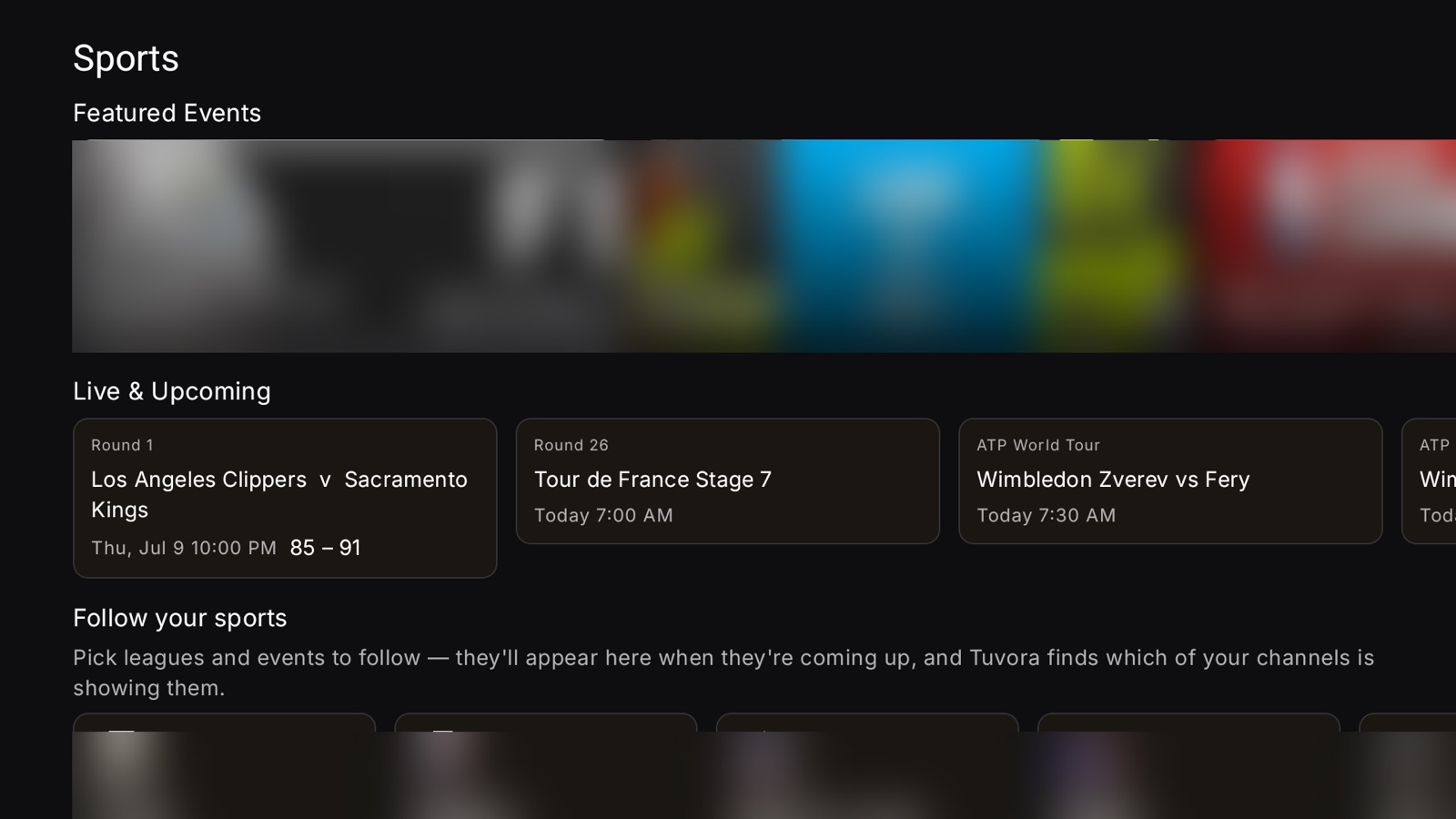
Tuvora's TV build runs on Fire TV and Fire TV Stick. It is installed with Downloader, uses a television-scale interface, and lets you enter account or playlist details from a phone instead of the on-screen keyboard.
- Installation
- Downloader code 5040595 or direct APK
- Playlist inputs
- M3U, Xtream Codes, Stalker
- Price
- Free
Why use Tuvora on Amazon Fire TV?
- Downloader code 5040595 always redirects to the current TV release
- Remote and D-pad navigation across the complete interface
- QR account sign-in and phone-based playlist pairing
- M3U, Xtream Codes and Stalker support in the same build
Install Tuvora on Amazon Fire TV
- Install Downloader from the Amazon Appstore and allow it to install apps when Fire OS asks.
- Type 5040595 into Downloader; it fetches the current TV release and starts the install.
- Open Tuvora, go to Settings → Integrations → IPTV (Xtream Codes) → Add IPTV account, and add your M3U, Xtream Codes or Stalker details.
Every playlist type, on Amazon Fire TV
The same build takes all three IPTV login formats. Each has its own page if you want the detail:
M3U player for Amazon Fire TV →Xtream Codes player for Amazon Fire TV →Stalker player for Amazon Fire TV →
Not sure which you were given? Compare M3U, Xtream Codes and Stalker.
Current distribution note
Tuvora is currently sideloaded on Fire TV; it is not an Amazon Appstore listing. Fire OS may ask you to allow installation from Downloader.
The current setup guide shows the real installation and playlist screens step by step.
Bring your own playlist
Tuvora is a player. It does not provide, sell or host channels, films, series or IPTV subscriptions.