macOS app
IPTV player for Mac – M3U, Xtream Codes & Stalker
Tuvora Desktop runs on modern Macs and reads the same user-supplied M3U, Xtream Codes and Stalker sources as the mobile and television apps.
- Installation
- Direct DMG for Apple Silicon or Intel
- Playlist inputs
- M3U, Xtream Codes, Stalker
- Price
- Free
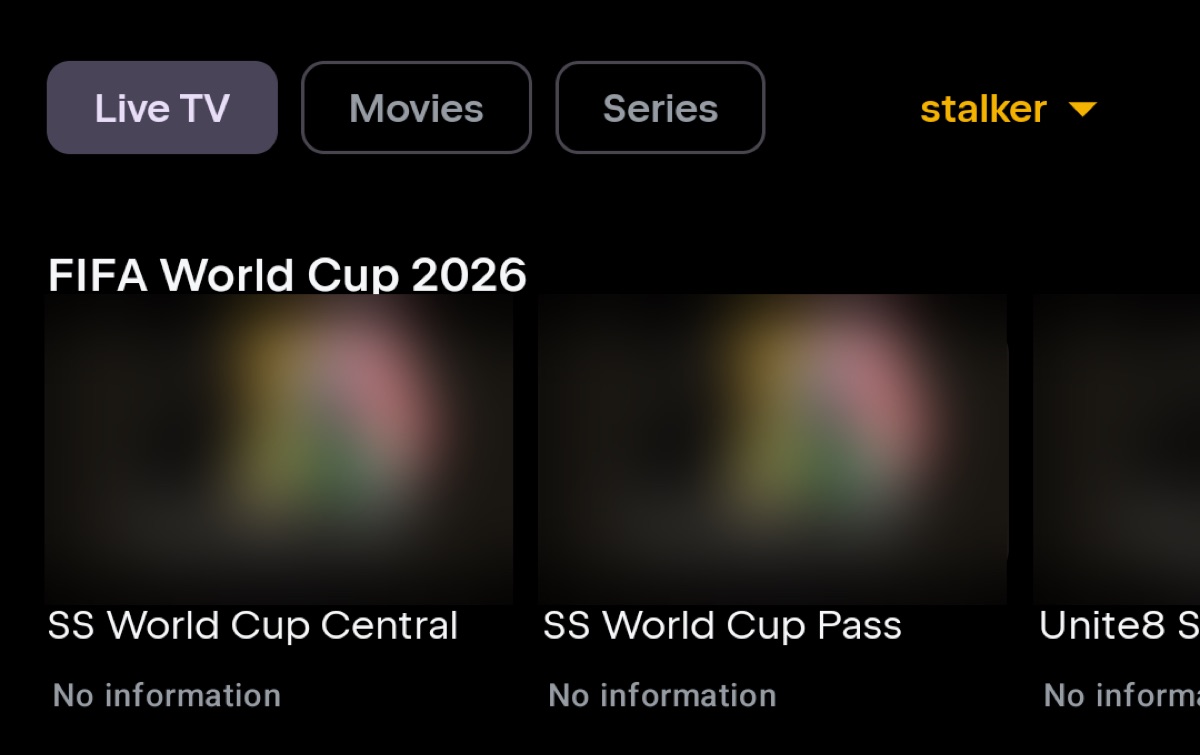
Why use Tuvora on macOS?
- Separate current downloads for Apple Silicon and Intel Macs
- Desktop interface for Live TV, movie and series libraries
- M3U, Xtream Codes and Stalker source support
- Optional sync with Tuvora on iPhone, Android and TV
Install Tuvora on macOS
- Download the .dmg from tuvora.co/mac (Apple Silicon) or tuvora.co/mac-intel, open it and drag Tuvora to Applications.
- On first launch macOS says it cannot verify the developer — allow it under System Settings → Privacy & Security, then open Tuvora again.
- Add a source, choose M3U, Xtream Codes or Stalker, and enter the details — or sign in and your playlists from phone or TV arrive on their own.
Every playlist type, on macOS
The same build takes all three IPTV login formats. Each has its own page if you want the detail:
Not sure which you were given? Compare M3U, Xtream Codes and Stalker.
Current distribution note
The desktop build is distributed directly and is not currently code-signed. macOS may require confirming that you want to open an application from an unidentified developer.
The current setup guide shows the real installation and playlist screens step by step.
Bring your own playlist
Tuvora is a player. It does not provide, sell or host channels, films, series or IPTV subscriptions.